Modify Notification Configuration
Notification Configuration is used by the platform notification and alerting service. Platform notifications are disabled by default. Adjust this configuration based on actual requirements to customize notifications such as:
- Notification email
- Alert email
Parameters
This configuration includes the following fields:
| Parameter | Type | Description | Default | Required |
|---|---|---|---|---|
smtp host | Parameter | Address of the SMTP server. If empty, SMTP is not used. | Yes | |
| Enable SSL | Parameter | Whether to enable an SSL-encrypted connection to the SMTP server. | Yes | No |
smtp port | Parameter | Port of the SMTP server. | Yes | |
| Alert email username | Parameter | Username used to send platform alert emails. | Yes | |
| Alert email password | Parameter | Password used to send platform alert emails. | Yes | |
| Notification email username | Parameter | Username used to send platform notification emails. | Yes | |
| Notification email password | Parameter | Password used to send platform notification emails. | Yes |
Configuration Steps
- Log in to the platform as the configuration administrator.
- Switch to the
Notification Configurationmenu.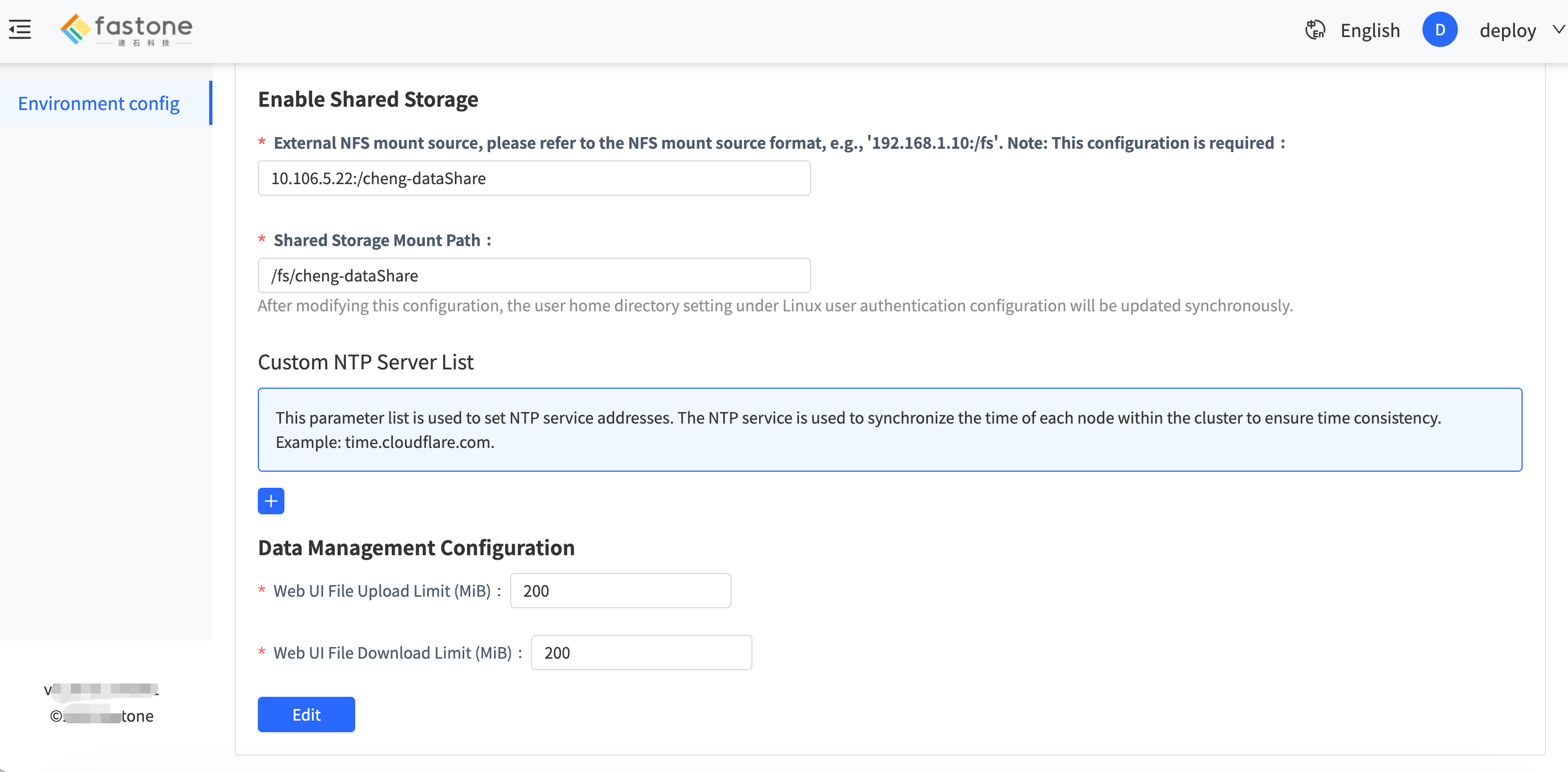
- Modify the settings based on actual requirements.
- Submit the changes and wait for the backend to apply them.
Verification
To verify that the configuration has taken effect, run a job and wait for it to complete successfully, then check whether the completion notification email has been received.