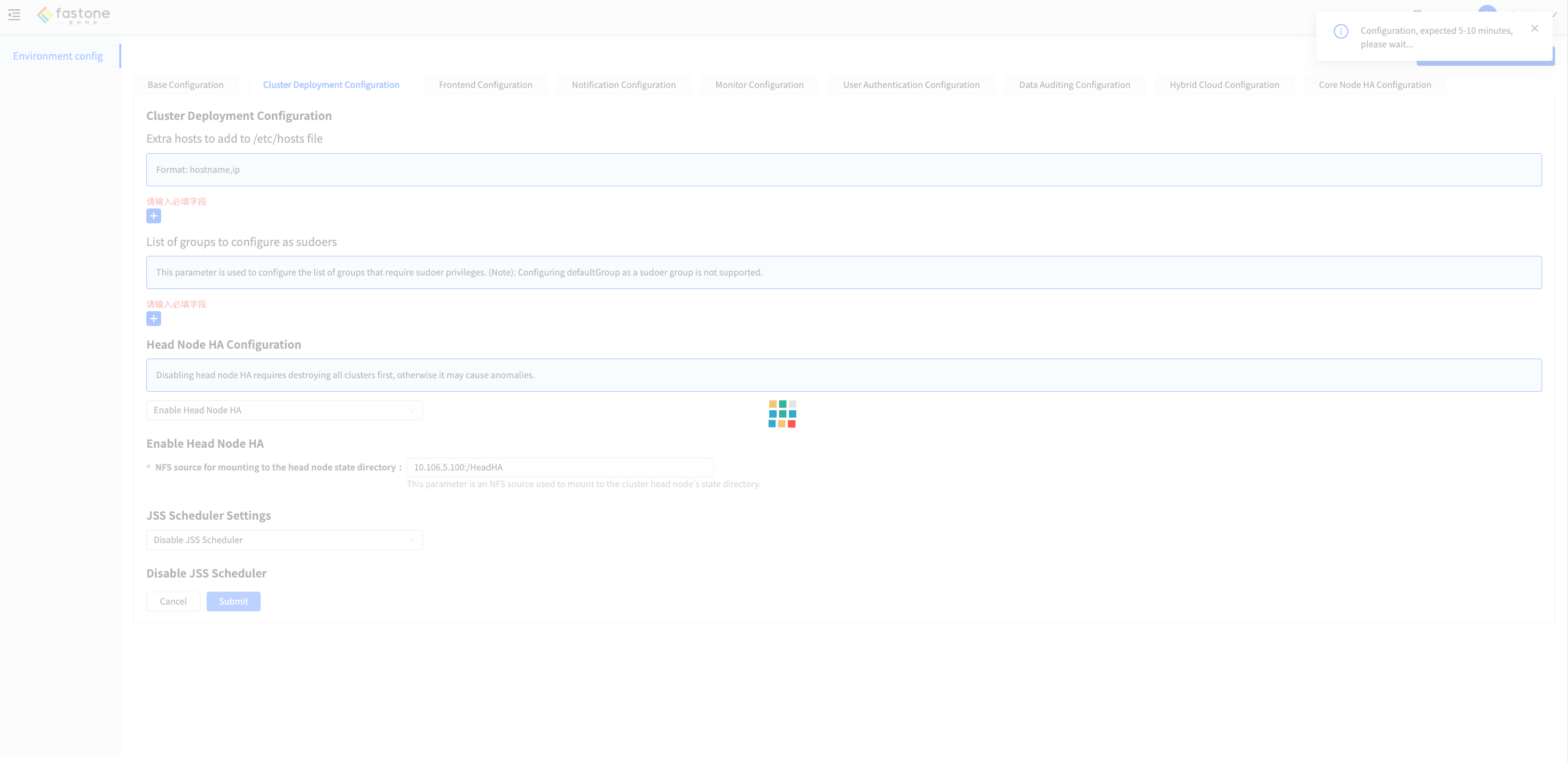
Enable Cluster Head Node HA
tip
This feature is available only in FCP-Suite or FCP-SE.
Refer to Upgrade to FCP-Suite or FCP-SE to upgrade first.
This feature is disabled by default.
After it is enabled, a compute cluster can use multiple head nodes to improve head node availability.
Notes
- Do not enable this feature while jobs are still running in the cluster. Wait until all jobs finish or cancel them first.
- If you enable this feature on a cluster that has already run jobs, the job counters may be reset.
Requirements
Enabling cluster head node HA requires an additional shared storage location so that head nodes can share state. Prepare an available NFS shared storage in advance.
Steps
- Log in to the platform as the configuration administrator and open the configuration management page.

- Click the
Cluster Deployment Configurationmenu and fill in the required settings.
- Click
Submitand wait for the configuration to take effect.