Enable Data Approval
tip
This feature is available only in FCP-Suite or FCP-SE.
Refer to Upgrade to FCP-Suite or FCP-SE to upgrade first.
This feature is disabled by default.
Network Architecture
After data approval is enabled, the current network architecture must meet additional requirements. See FCP-Suite Approval Network Architecture and complete the required network setup.
Requirements
Enabling this feature requires an additional shared storage location to store files under approval. Prepare an available NFS shared storage in advance.
Steps
- Log in to the platform as the configuration administrator and open the configuration management page.

- Click the
Data Approval Configurationmenu and fill in the required settings.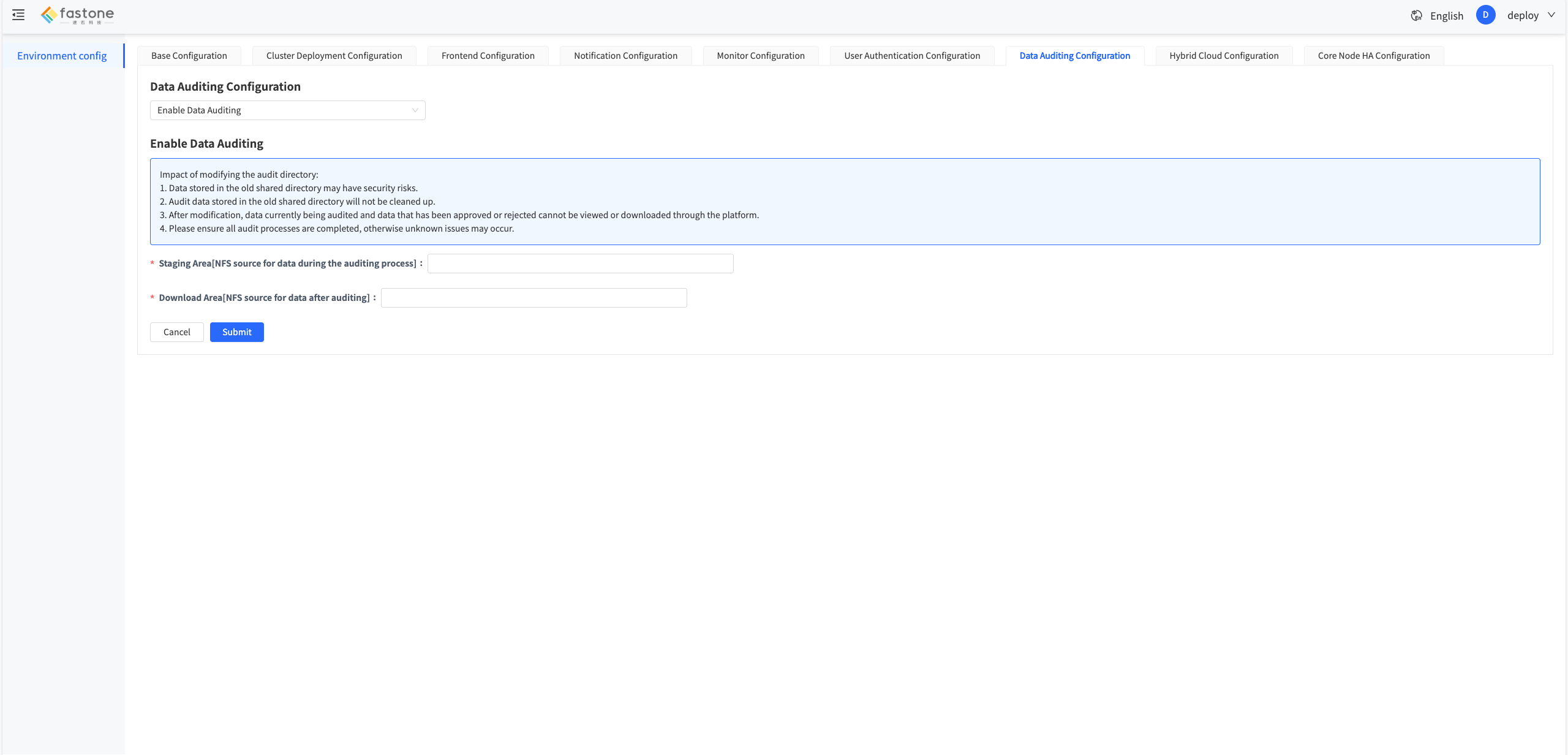
- Click
Submitand wait for the configuration to take effect. - After the configuration takes effect, log in to the platform as an administrator and open the approval policy menu on the account settings page.
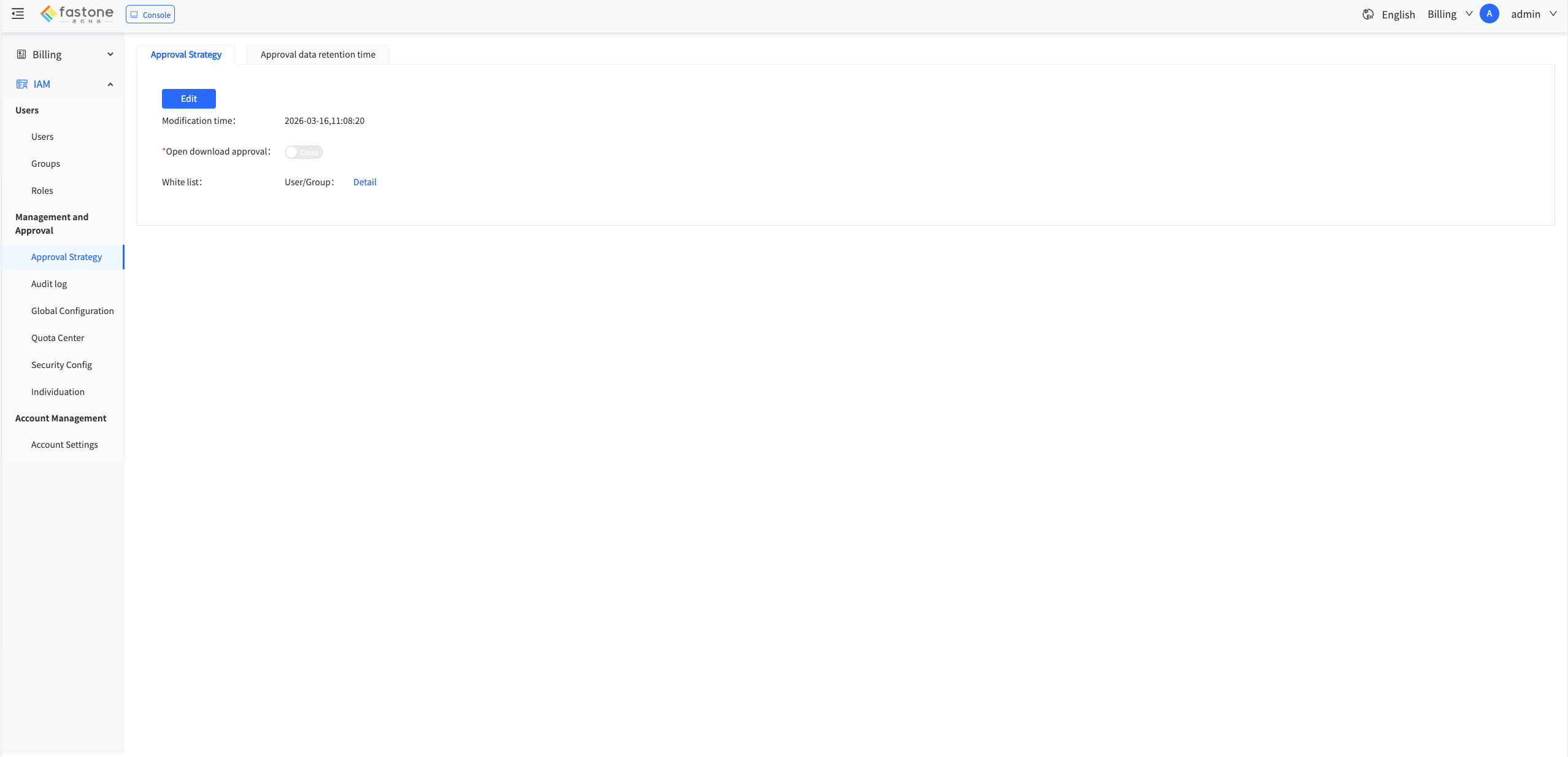
- Update the approval policy based on actual needs, then click
Submitto save the changes.