Advanced fsched Configuration in FCP
FCP is a graphical cluster management platform that provides advanced configuration and management for FSCHED clusters. Through FCP, administrators can easily configure various advanced fsched options to optimize resource allocation and scheduling policies.
For the complete FSCHED advanced configuration documentation, see:
Cluster Advanced Configuration
If you need advanced configuration for the entire cluster, use the cluster settings page in FCP. Steps:
- Select the target cluster and open the cluster details page.
- On the "Cluster Overview" page, click "Edit" for "Custom Parameters".

- In the dialog, add or modify the required advanced configuration parameters.
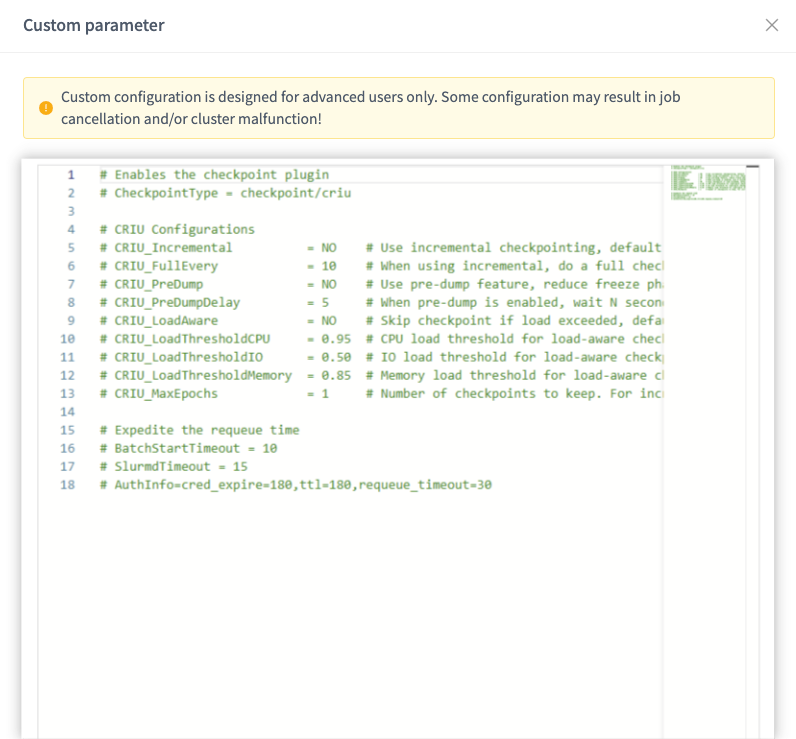
Partition Advanced Configuration
If you need advanced configuration for a specific partition, use the partition settings page in FCP. Steps:
- Select the target cluster and open the cluster details page.
- On the "Partition List" tab, select the partition to configure and click "Edit".

- In the dialog, add or modify the required advanced configuration parameters.
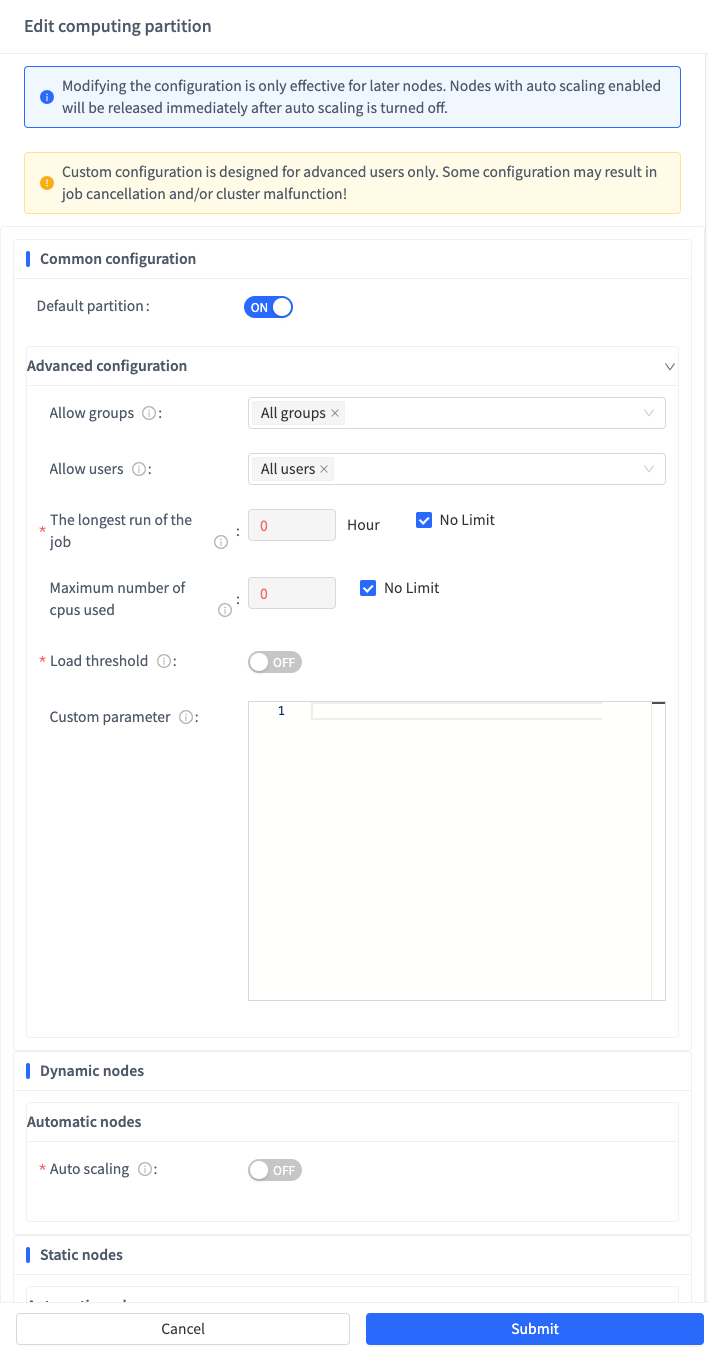
Special Parameters
For file-type parameters, you can use multiline syntax. For example:
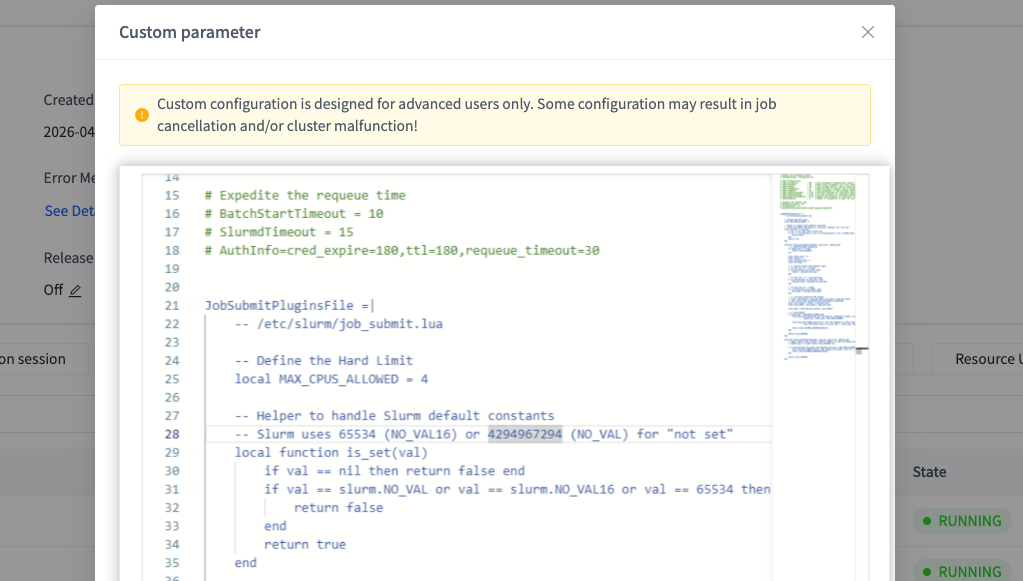
Advanced Configuration Syntax
Parameters in the advanced configuration box support a YAML-like syntax. The rules are:
- Each parameter is on its own line, in the format
parameter_name = parameter_value. - You may have spaces between the parameter name and the equals sign, but the parameter name cannot contain spaces.
- Parameter values can be strings, numbers, or booleans (yes/no).
- Comment lines start with
#; comments are not parsed. - Multiline parameter values use the
|symbol, and subsequent lines must be indented.